Content with
its context.
Map content types, fields, assets and relationships into a WordPress model your editors can actually use.
 dotCMS to
DOTCMS → WORDPRESS MIGRATION · BY DIGISTEER
There’s more to a CMS migration than moving pages. We plan the route for your content, relationships, URLs and integrations — so your next platform works for the people who use it.
A specialist migration service. Built and delivered by DigiSteer.
01 / The move that matters
Your site is a system of connected information. Articles have authors. Pages point to documents. Language versions share meaning. Search results and external links bring people to specific URLs.
A successful move starts by understanding those connections. We make them part of the plan — from the source inventory to the checks before launch.
02 / Three connected workstreams
One migration plan, built around the parts of your site that need to keep working together.
Map content types, fields, assets and relationships into a WordPress model your editors can actually use.
Account for URLs, internal links, metadata and language variants. Check the route people and search engines will follow.
Review forms, APIs, search and third-party services. Decide what to retain, rebuild or retire before the switch.
03 / A route you can follow
A structured process with visible decisions and review points, from discovery to handover.
Inventory the content, assets, URLs and dependencies. Agree what moves and what does not.Output: source inventory & migration scope
Define the WordPress content model, templates and editorial workflow. Validate a representative sample.Output: field mapping & pilot review
Run controlled imports, reconcile the agreed scope and test the site. Plan the final content update and release.Output: reconciliation report & launch checklist
The detail follows your site — its content, access, languages and dependencies.
04 / Make the first conversation useful
Start with what matters
Choose the parts of your site. We’ll turn them into a useful starting brief.
Your starting point
Start with a content-type inventory, a field map and a representative import pilot.
Take this brief to an assessment A planning prompt, not an automated quote.Project experience / Thomson Reuters Foundation
Two dotCMS-to-WordPress projects. Content, media and legacy routes brought into the same migration plan.

Thomson Reuters Foundation / Editorial archive
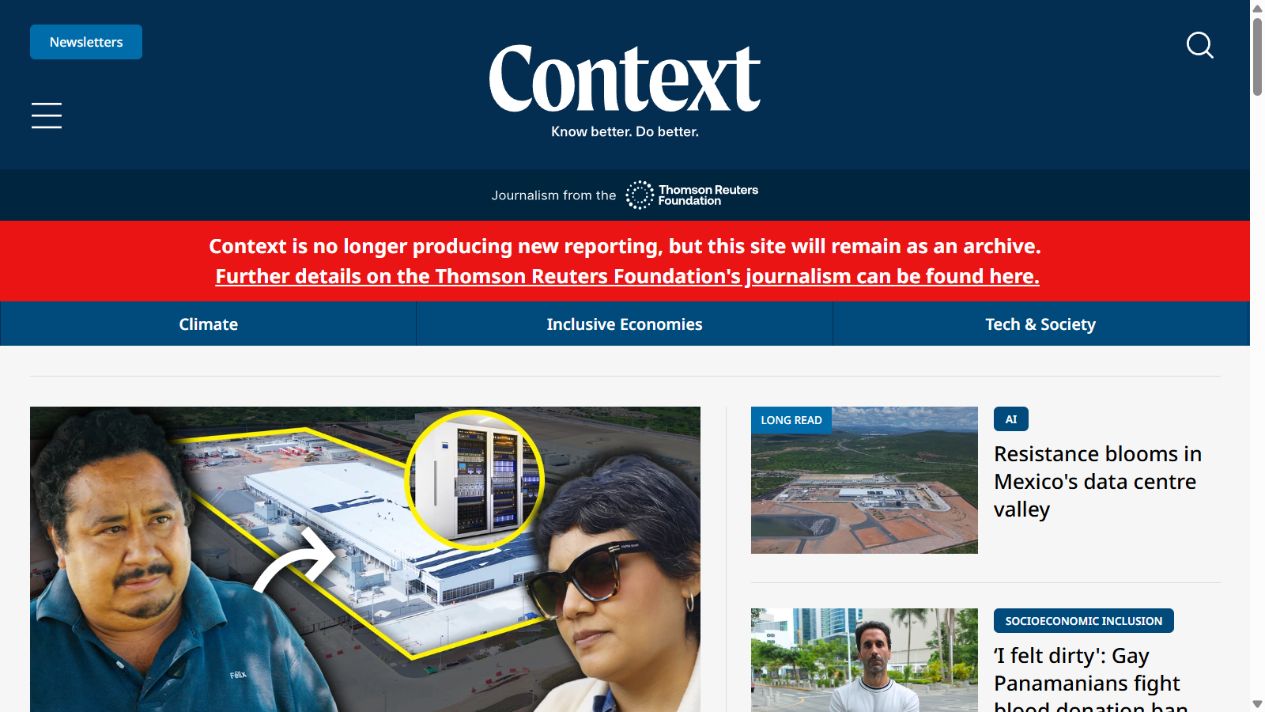
The migration scope connects a WordPress content model with editorial content, media associations, frontend templates, URLs and supporting services.
Controlled batches and content validation make exceptions visible for review.

Thomson Reuters Foundation / News archive
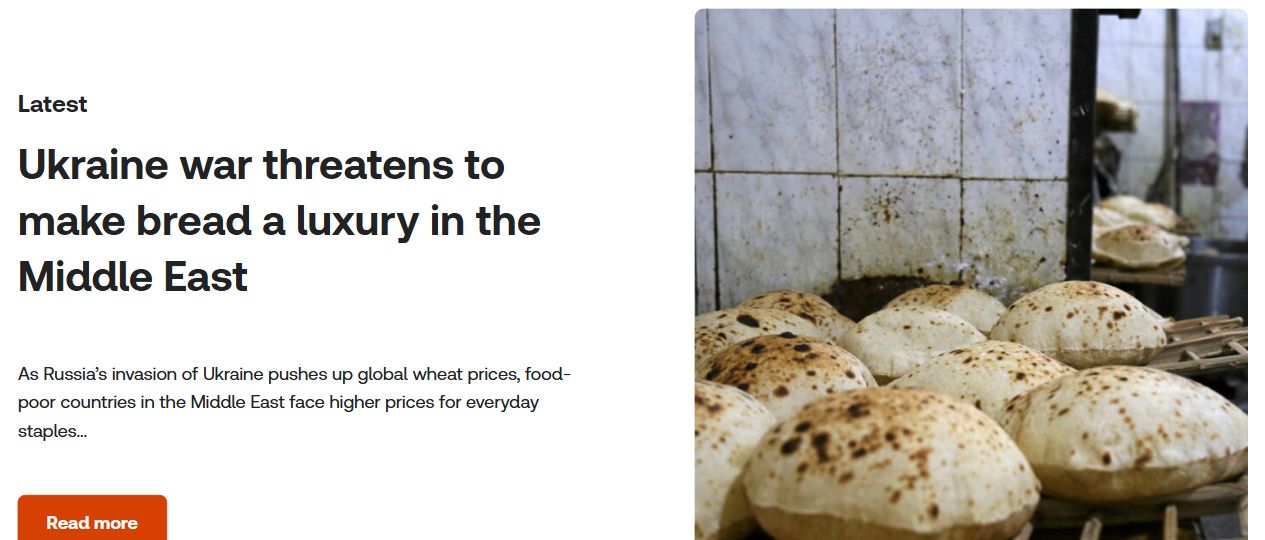
The news.trust.org project covers news articles, long reads and packages, with redirect decisions, WordPress integration, search and validation.
Content reconciliation and legacy URL handling belong in the same delivery plan.
Commissioned project scope, illustrated with the public archives. Search rankings and traffic outcomes are not guarantees.
This specialist service brings DigiSteer’s approach to digital platforms into a focused migration offering. Content architecture, development and delivery decisions belong in the same conversation.
You’ll speak with the DigiSteer team, about the site you have, the destination you need and the decisions between them.
05 / Before you begin
Where the destination structure allows it, existing URLs can be retained. Where they change, we plan a page-by-page redirect map and test it. The assessment identifies the right approach for your site.
They need explicit mapping. We review the source relationships, language variants and target content model, then check them in a representative pilot before the full import.
Start with your website URL, an overview of content types and languages, known integrations, your timeframe and any access constraints. Detailed access is arranged securely after the initial conversation.
Start with a conversation
Bring us the site you have and the challenges you want to leave behind. We’ll start with the right questions.